
04 — Returns, refunds & held bills
What this screen is for
Park a bill to serve someone else and bring it back later (Hold/Retrieve), and process a return/refund when a customer brings an item back.
Before you start
- You are on the POS Terminal (03 — POS sale).
Step-by-step
1. Hold a bill
With items in the cart, click Hold. The cart is saved and clears so you can serve the next customer.
2. Retrieve a held bill
Click Retrieve / Held, pick the saved bill from the list — it loads back into the cart.

3. Start a return
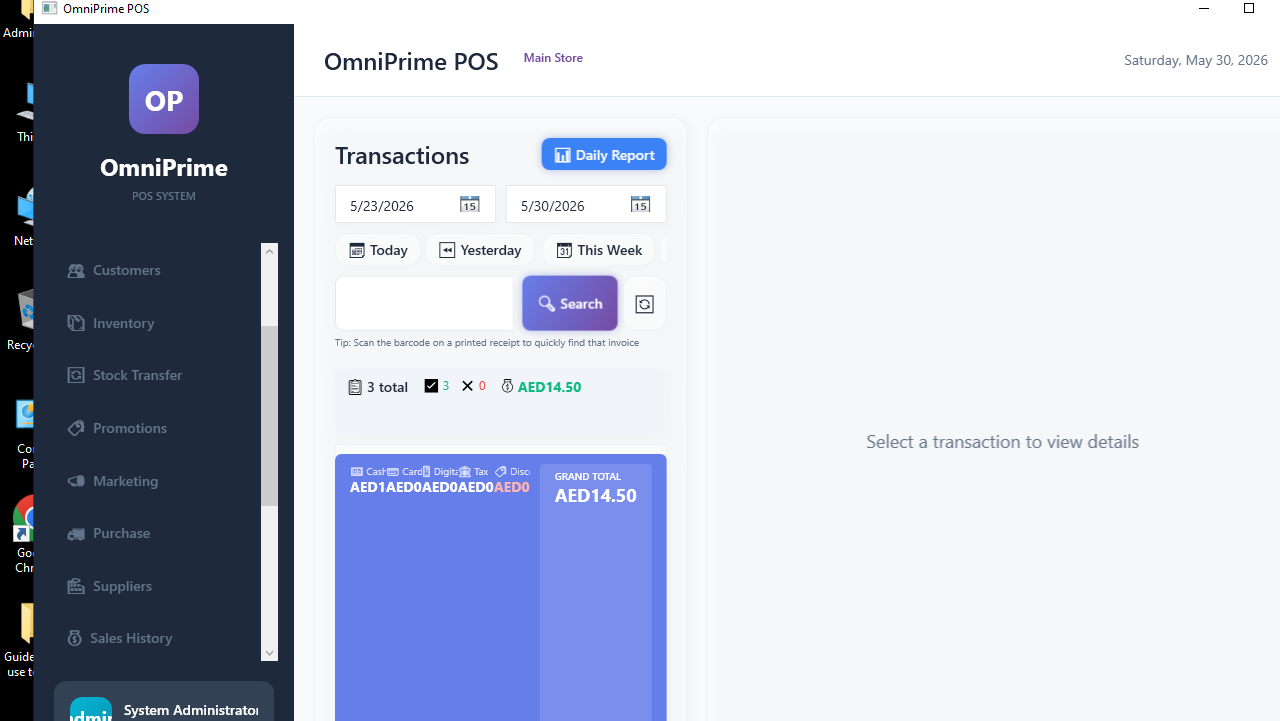
Click Return/Refund, find the original sale (by invoice number), and select the item(s) being returned.

4. Complete the refund
Confirm the refund amount and method. Stock for the returned item goes back up.

Real example (using the demo data)
- Add 2 items → Hold.
- Serve another customer, then Retrieve → the held bill returns.
- For a return: Return/Refund → find the invoice → select the item → confirm.
If something goes wrong
| You see this | What it means | How to fix it |
|---|---|---|
| Held bill not in the list | It was already retrieved or completed. | Held bills disappear once retrieved/paid. |
| Can't find the sale to return | Wrong invoice number / store. | Check the invoice number and that you're on the right store. |
FAQ
Q: Does a return add the stock back? A: Yes — returned items go back into stock.
Q: How many bills can I hold at once? A: Multiple — each is saved separately until retrieved.